
Introducing The Paleblue Voyager Series – The ultimate alkaline battery replacement
Paleblue batteries have always meant one thing: skip the disposables, plug in USB-C, and get back to what you were doing. The Voyager Series keeps that promise and pushes the technology forward in a few specific ways. Here’s exactly what changed.
A New Voltage Curve, Built to Outperform
This is the biggest change under the hood. Previous-generation Paleblue batteries held a flat 1.5V from full charge to empty. That consistency meant every bit of stored energy was delivered at the same voltage.
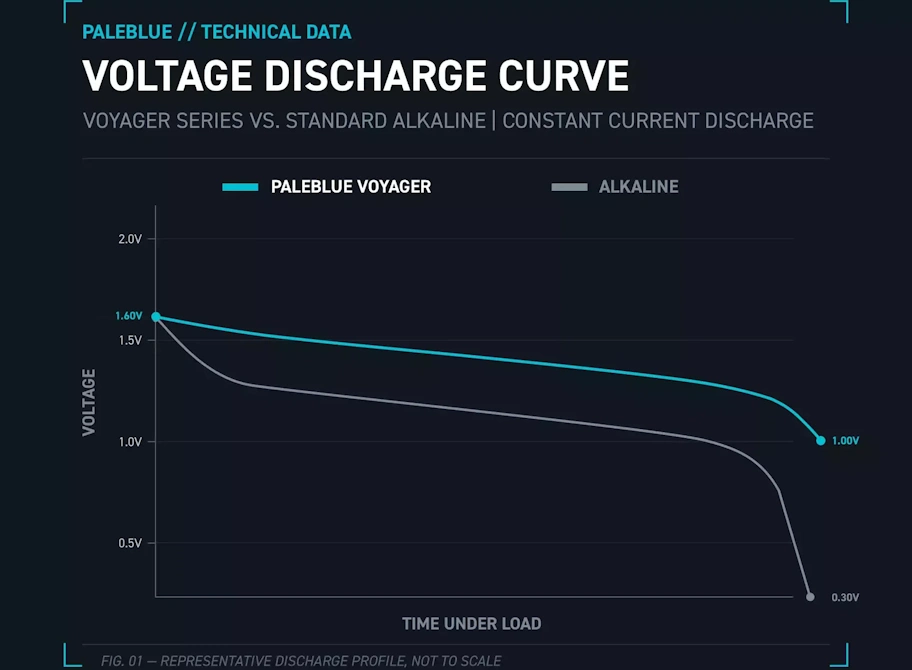
Voyager batteries take a different approach. They start at 1.6V and discharge down to 1.0V before they’re fully depleted. That’s a curve closer to how an alkaline battery behaves, but with an important difference: Voyager holds a higher voltage through more of that curve, which means better performance in your devices. It also cuts out the sub-1.0V range you get at the tail end of an alkaline’s life, the range where the battery is technically not dead yet but too weak to actually power most devices. Voyager skips straight past that dead zone instead of wasting time in it.
More Capacity in the Same Cell
Voyager batteries pack more capacity than the previous generation. Same footprint, same drop-in fit, more energy stored per charge.
- AA: +29%
- AAA: +25%
- D: +22%
- 9V: +12%
- C: +8%
- CR123A: +5%
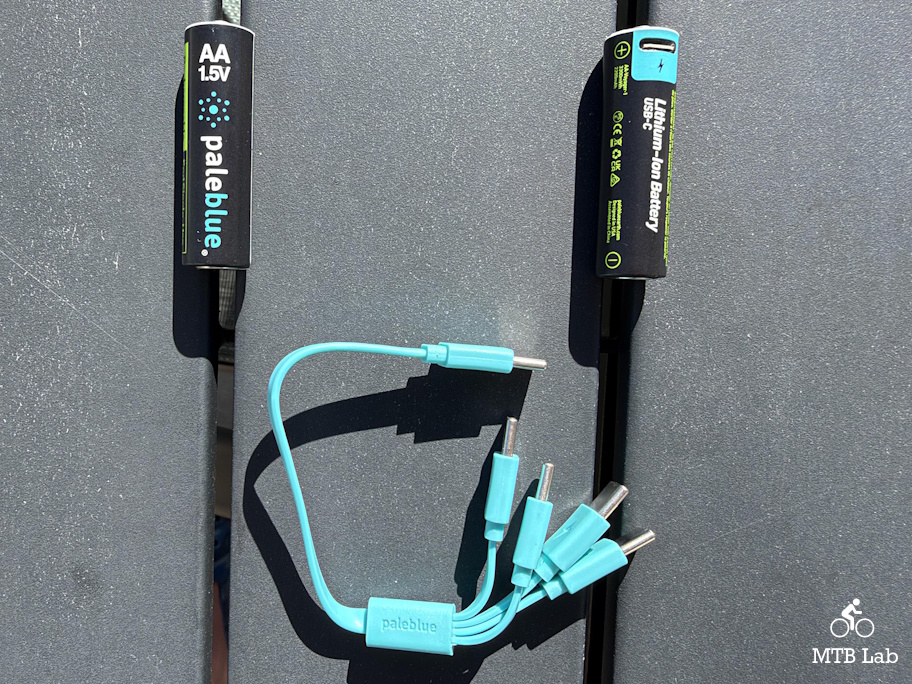
An Updated Charging Cable
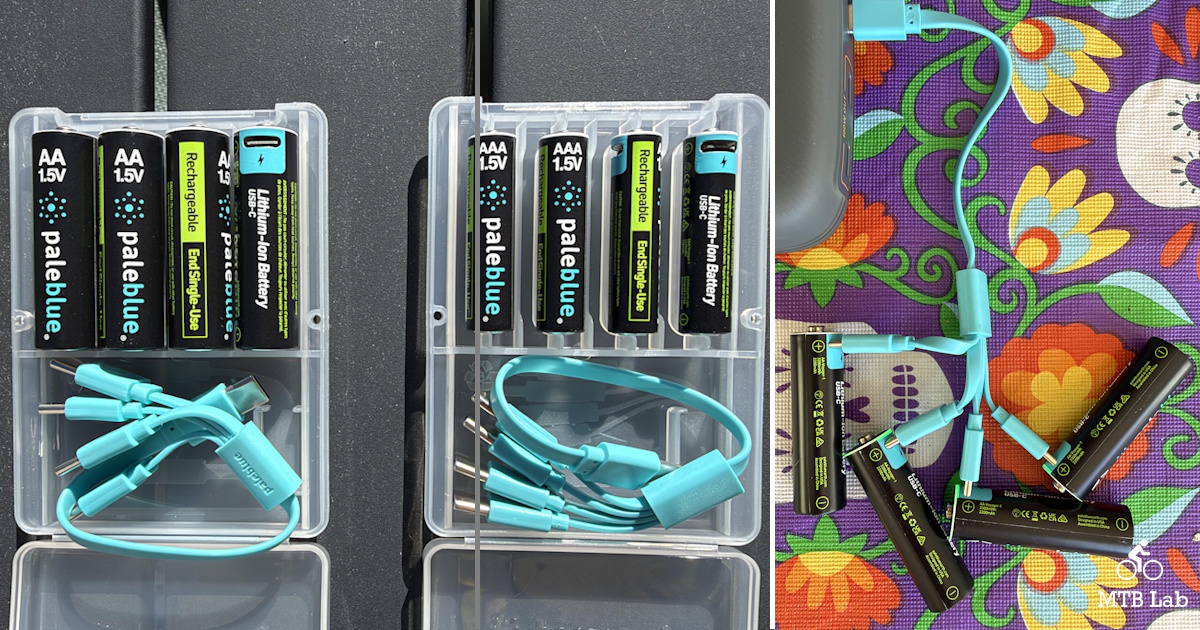
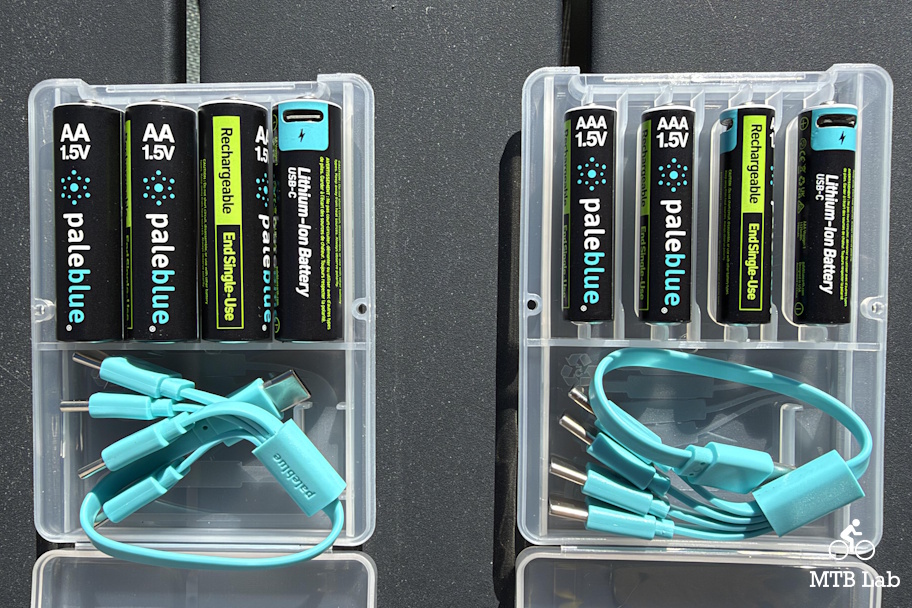
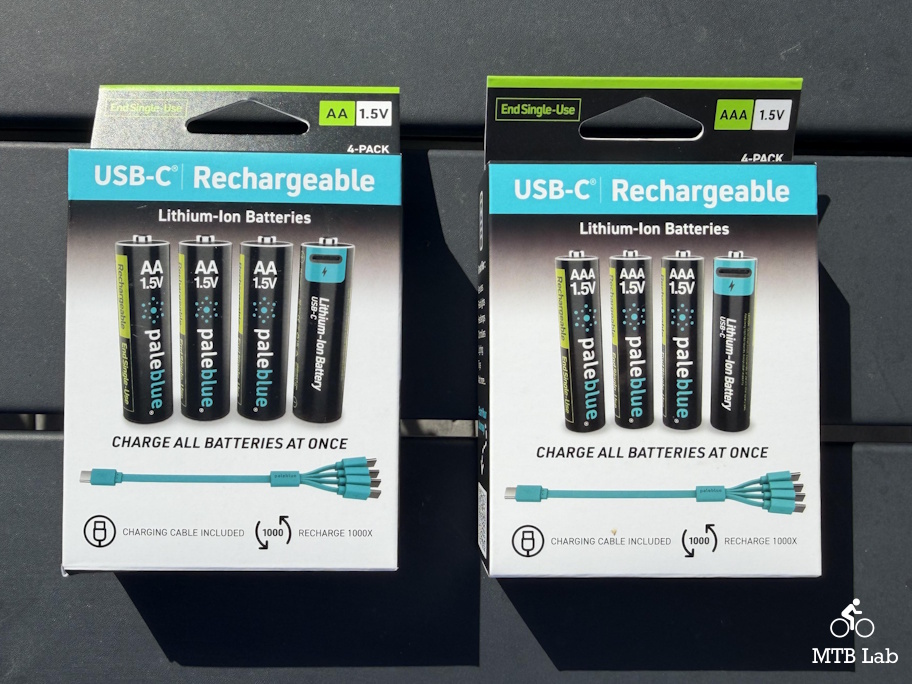
Voyager switched from USB-A-to-USB-C to USB-C-to-USB-C charging. Each kit includes a 4-ended cable: a single USB-C connector on one end splitting into four USB-C connectors on the other, so you can charge a full set of batteries at once from any USB-C power source.
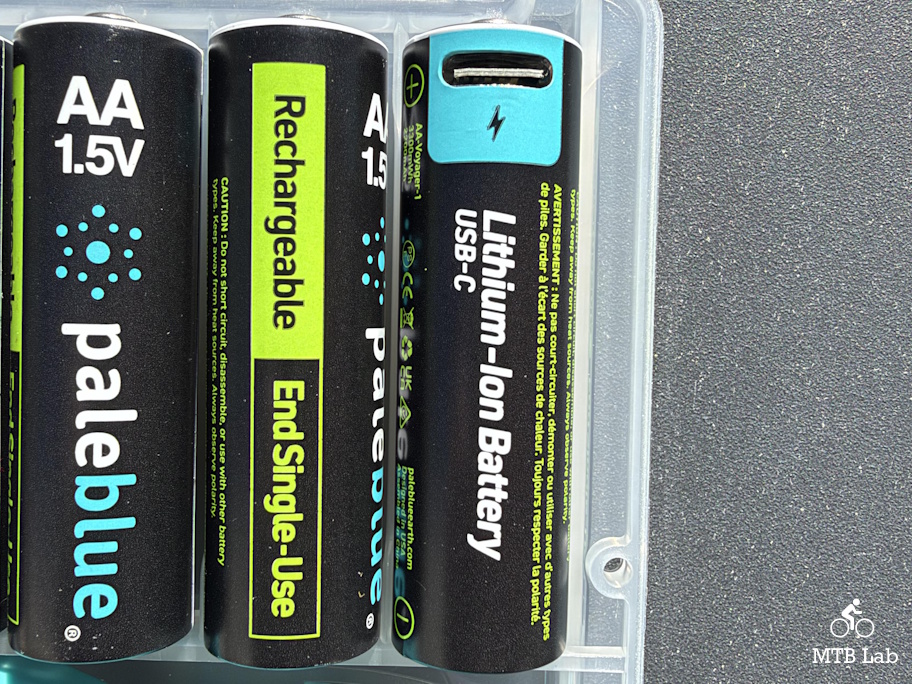
One note if you’re running both generations at home: Voyager batteries and cables aren’t cross-compatible with previous-generation Paleblue gear.
Indicator Lights: Mostly the Same, With One Real Upgrade
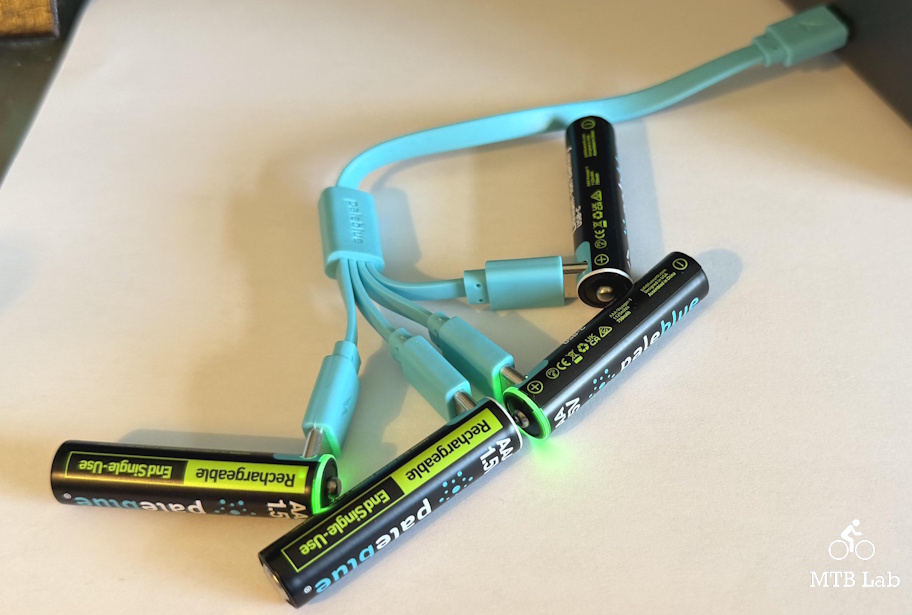
If you’ve used Paleblue batteries before, the day-to-day indicator behavior will feel familiar. A flashing green light means the battery is charging, and a steady green light means it’s full. That hasn’t changed for most battery types.
The one visible upgrade is on the 9V: it moves from a single LED on the bottom of the battery to a full charge ring, making status easier to read at a glance. (not tested)
Beyond that, Voyager adds fault indicator lights for things like overvoltage, overcurrent, and thermal protection. Most people will never see them in normal use, but they’re there if something needs your attention.
Impressions
I love the switch from micro-USB to USB-C (original version), since it makes connecting much more convenient and removes the need to worry about directionality.
They come with a USB-C to four-ended USB-C cable that connects to each battery’s port. Each battery has a USB-C port on its positive end to connect to the charging cable. The connectors snap securely into place, making charging easy. The AAA is more finicky to connect because of its smaller diameter, but it’s not too bad.
I could mix and match battery sizes or charge 1-4 batteries at once, depending on my preference. You can charge them from a powerbank, a wall wart, or a USB port on a computer; recharging time will vary depending on the port type that is used.
The battery blinks green while charging and goes solid when fully charged. I am still testing charging times, but it seems to be around 45 minutes for AAA and less than 60 minutes for AA. I didn’t test the latest C, D, or 9V batteries, so I couldn’t verify any stats on those models.
I obviously haven’t charged them nearly to their supposed 1000+ cycles lifetime, but over my multi-month usage, they have operated just fine. They seemed to hold their charge for a long time, whether they were under intense, intermittent, or light use.
Compared to their predecessors, their added storage capacity was quite functional; they had more going for them from the start and just didn’t let up. The voltage curve was noticeable; it stayed flatter for longer before it decayed, offering a more robust usage timeline.
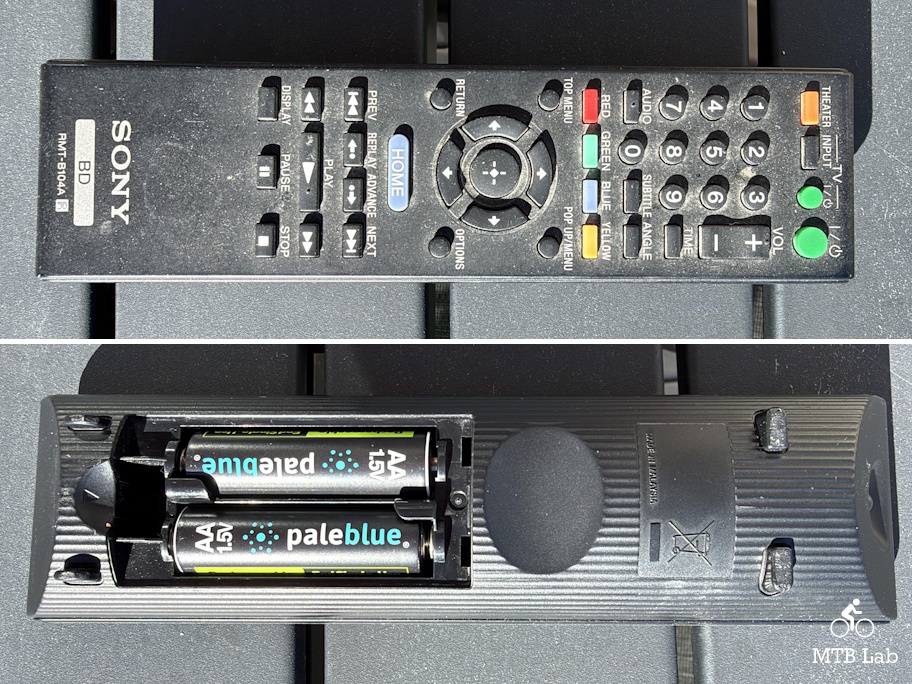
I used them in my remotes, mice, game controllers, flashlights, cameras, and other sundry electronic items, and they performed admirably, so I highly recommend the Voyager USB-C Rechargeable Batteries as a replacement for normal alkaline batteries.
For safety reasons, don’t use rechargeable batteries in smoke detectors, carbon dioxide detectors, or avalanche beacons.
Click here to purchase the Voyager USB-C Rechargeable Batteries